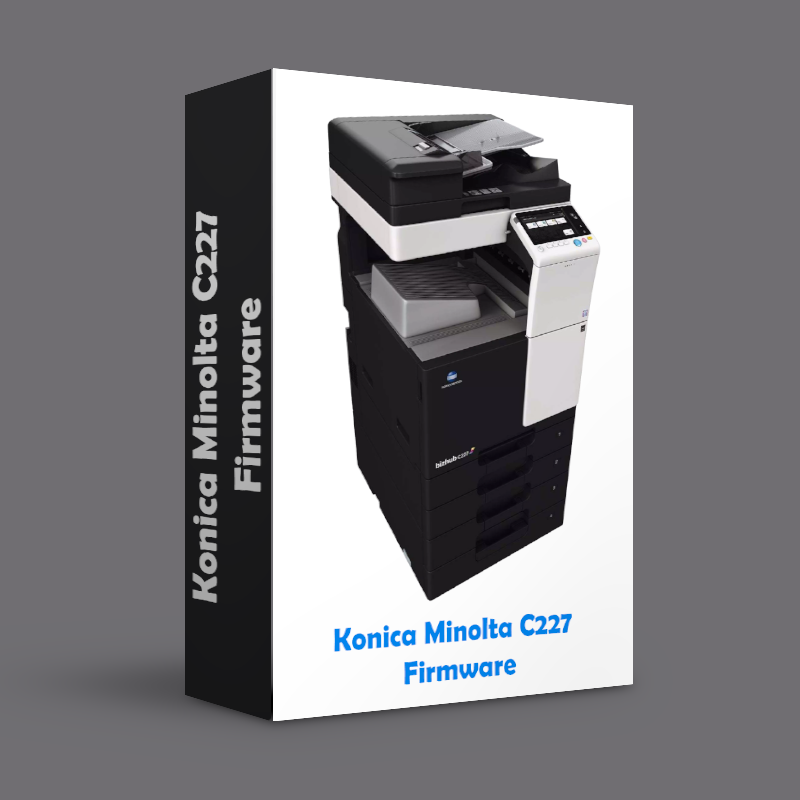
C227 Firmware GCA-Y0
$15,00
Konica Minolta C287 Firmware Update – Official Latest Version for Improved Printer Performance
Ensure that your Konica Minolta C287 multifunction printer is functioning at its highest potential with the latest firmware update. This update includes essential performance improvements, bug fixes, and new features designed to enhance the efficiency and functionality of your printer. Perfect for businesses that rely on high-volume printing, this firmware ensures your printer continues to provide consistent, high-quality results.
Description
Konica Minolta C227 Firmware Update – Official Latest Version for Improved Printer Performance
Ensure that your Konica Minolta C227 multifunction printer is functioning at its highest potential with the latest firmware update. This update includes essential performance improvements, bug fixes, and new features designed to enhance the efficiency and functionality of your printer. Perfect for businesses that rely on high-volume printing, this firmware ensures your printer continues to provide consistent, high-quality results.
Why Update Your Konica Minolta C227 Firmware?
-
Enhanced Performance: The latest firmware improves the overall speed and reliability of your Konica Minolta C227 printer, allowing it to handle large workloads with ease.
-
Bug Fixes: Resolves known issues and enhances system stability, ensuring that your printer operates smoothly without disruptions.
-
New Features: Get access to updated functionalities that optimize your printing experience, including new settings for better control and customization.
-
Security Enhancements: Stay protected with the latest security updates that safeguard your device from potential vulnerabilities.
-
Improved User Interface: A more intuitive user experience makes navigating printer settings and functions easier than ever before.
Key Features of the Konica Minolta C227 Firmware Update:
-
Performance Boost: Faster printing speeds, reduced downtime, and improved handling of multiple tasks at once.
-
Stability Improvements: Enjoy more reliable performance with fewer system errors and disruptions.
-
Bug Fixes: Address issues that may have been affecting printing quality or device functionality, ensuring consistent results.
-
New Features: Take advantage of the latest features to enhance printer management, such as better control over network connections and device settings.
-
Easy Installation: A simple, user-friendly installation process that ensures your firmware is updated quickly and efficiently with minimal effort.
Benefits of Keeping Your Konica Minolta C227 Firmware Updated:
-
Improved Productivity: With a more efficient printer, you can meet your business’s printing demands faster, improving overall productivity and workflow.
-
Cost Savings: Regular updates prevent costly repairs by resolving issues proactively, ensuring that your printer runs smoothly.
-
Extended Printer Lifespan: Firmware updates help extend the longevity of your printer by keeping it running optimally over time.
-
Better Print Quality: Enhance the quality of your prints with optimizations and updates that refine printing precision and reduce errors.
-
Reduced Maintenance Costs: Keep your printer in top shape with firmware updates that improve overall functionality, reducing the need for costly servicing.
Who Should Use This Firmware Update?
-
Business Owners and Office Managers: Ensure the best possible performance of your Konica Minolta C227 with this firmware update to avoid disruptions in office productivity.
-
Technicians and IT Support Teams: Update and troubleshoot the firmware for better printer performance and to address any issues with system stability.
-
Organizations with High-Volume Printing Needs: If your business requires continuous printing operations, this firmware will enhance your printer’s ability to handle heavy workloads efficiently.
How to Install the Konica Minolta C227 Firmware Update:
-
Step-by-Step Instructions: The firmware installation process is designed to be as straightforward as possible, with clear instructions provided to guide you through every step.
-
Minimal Downtime: The update can be installed quickly, so your printer will be up and running in no time, minimizing downtime and ensuring your operations continue smoothly.

Reviews
There are no reviews yet.